
 Find-R-Scopes
 Filters
 Lenses
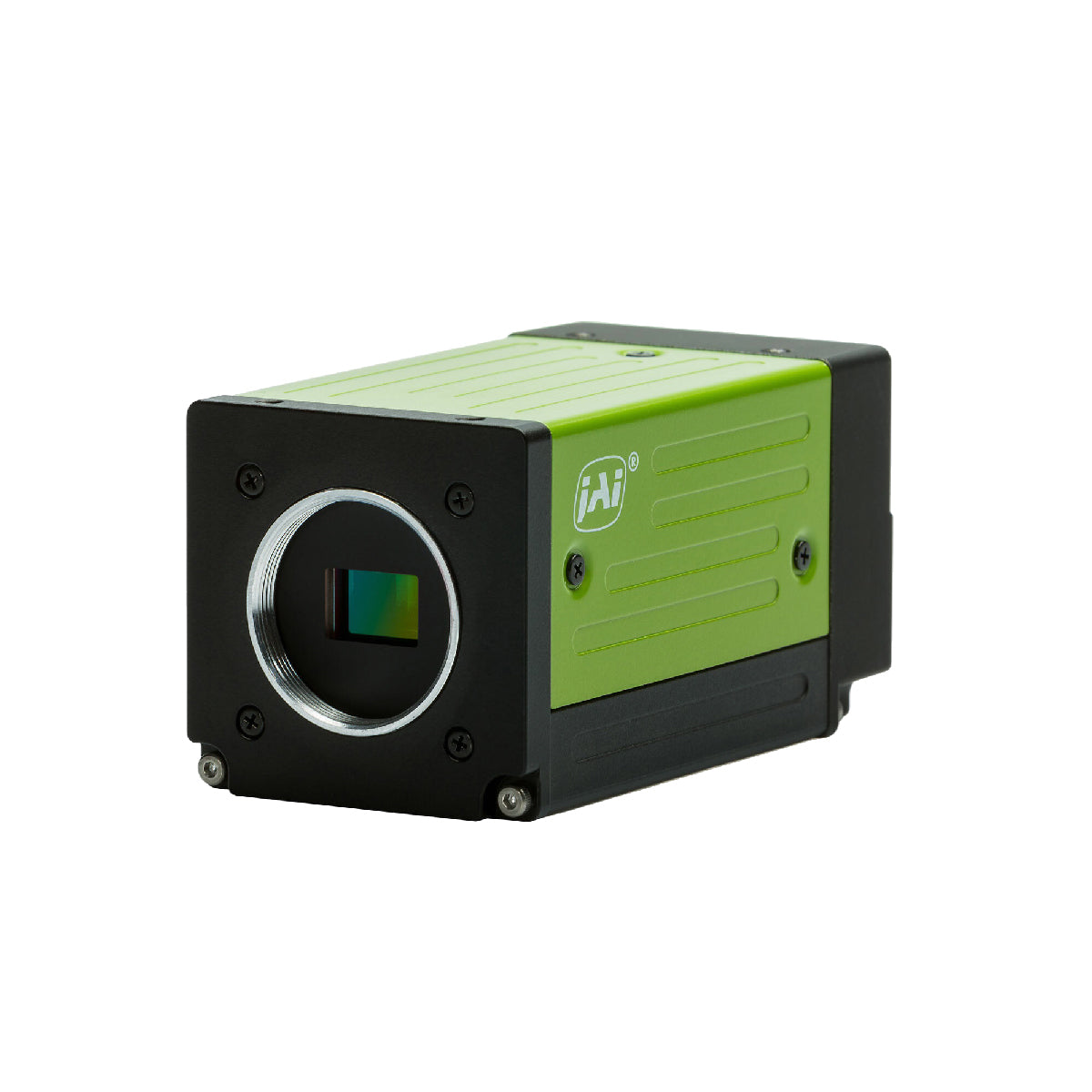
 Cameras
 Lighting
 Accessories





Selecting the right industrial inspection camera is one of the most critical decisions in machine vision system design. The wrong choice can result in missed defects, false rejects, reduced production speed, and costly downtime.
In this 2026 guide, we break down exactly how to select the best industrial camera for inspection applications – including resolution calculations, sensor types, interface selection, and how cameras integrate with lenses, lighting, and filters.
What Is an Industrial Inspection Camera?
An industrial inspection camera is a high-performance imaging device designed for:
- Automated defect detection
- Measurement and metrology
- Barcode and label verification
- Surface inspection
- Assembly verification
Unlike consumer cameras, industrial cameras are built for:
- Continuous 24/7 operation
- High-speed production lines
- Precision imaging
- Harsh industrial environments
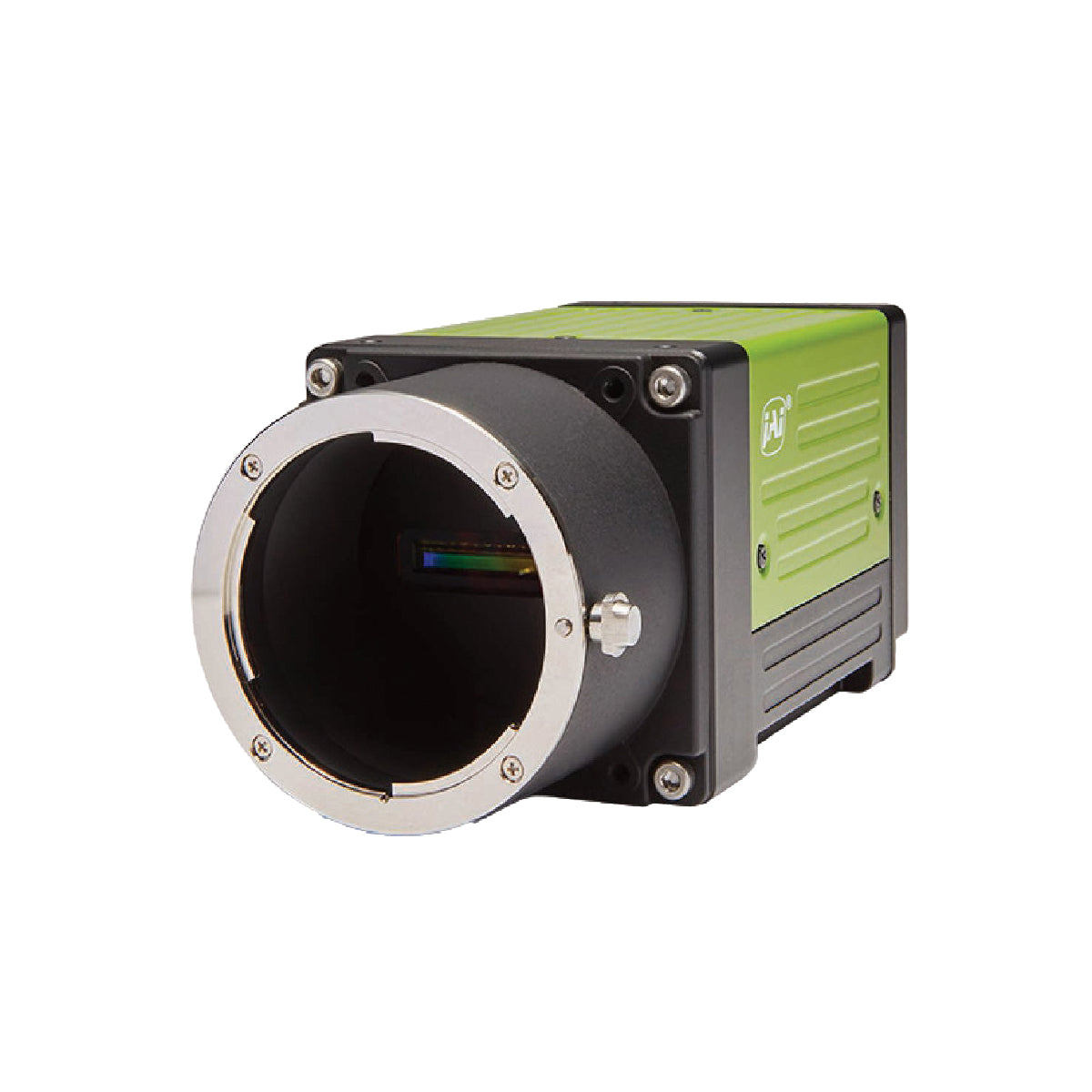
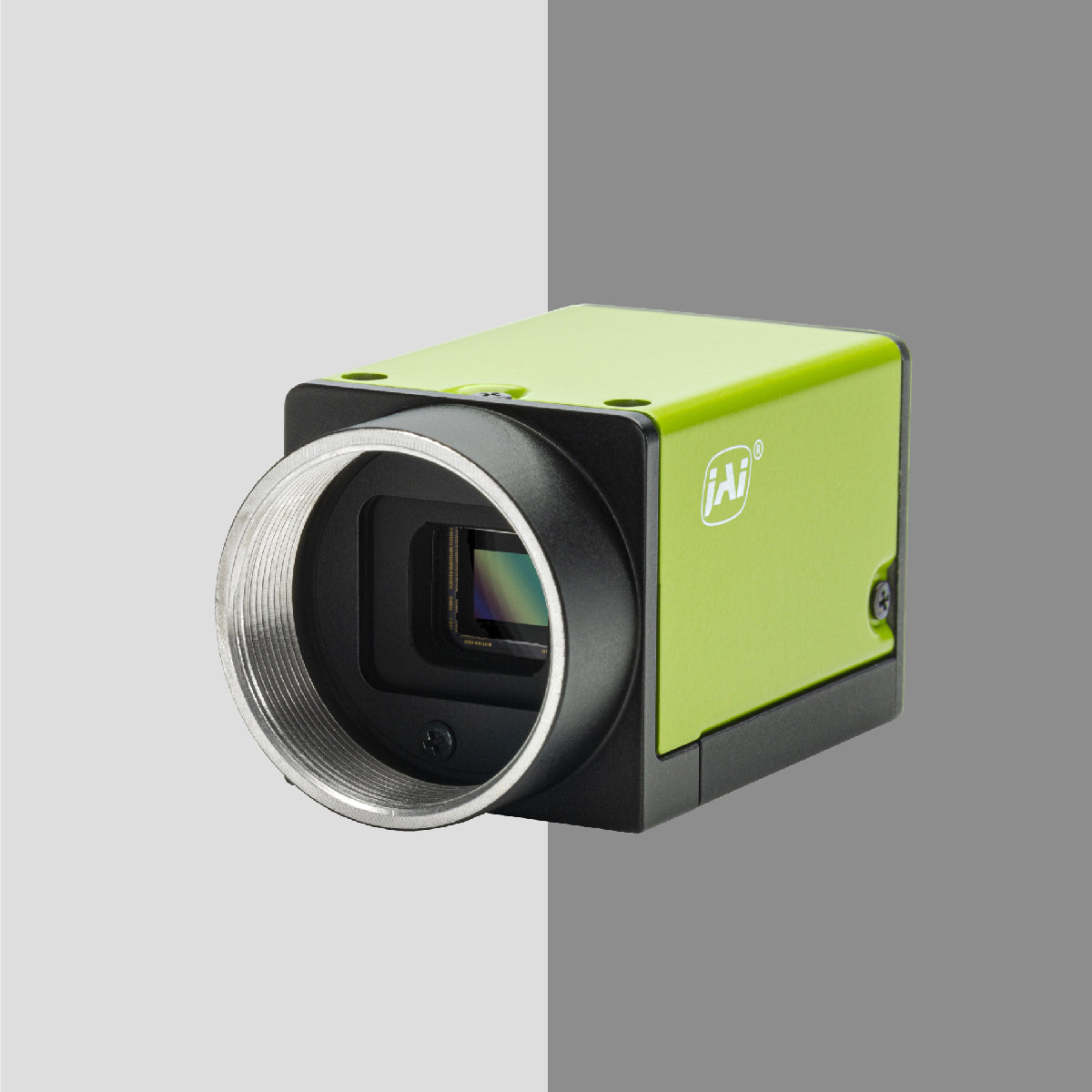
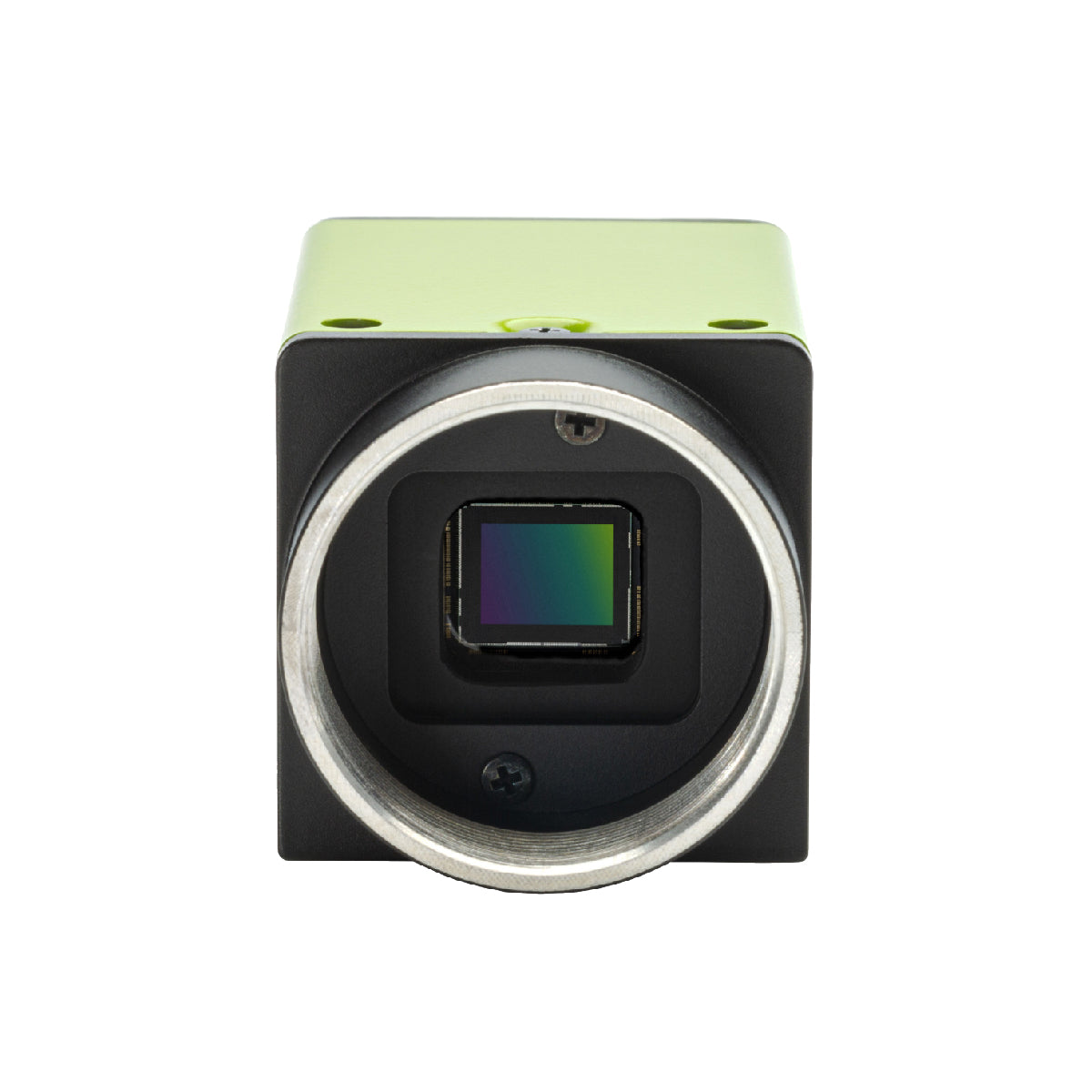
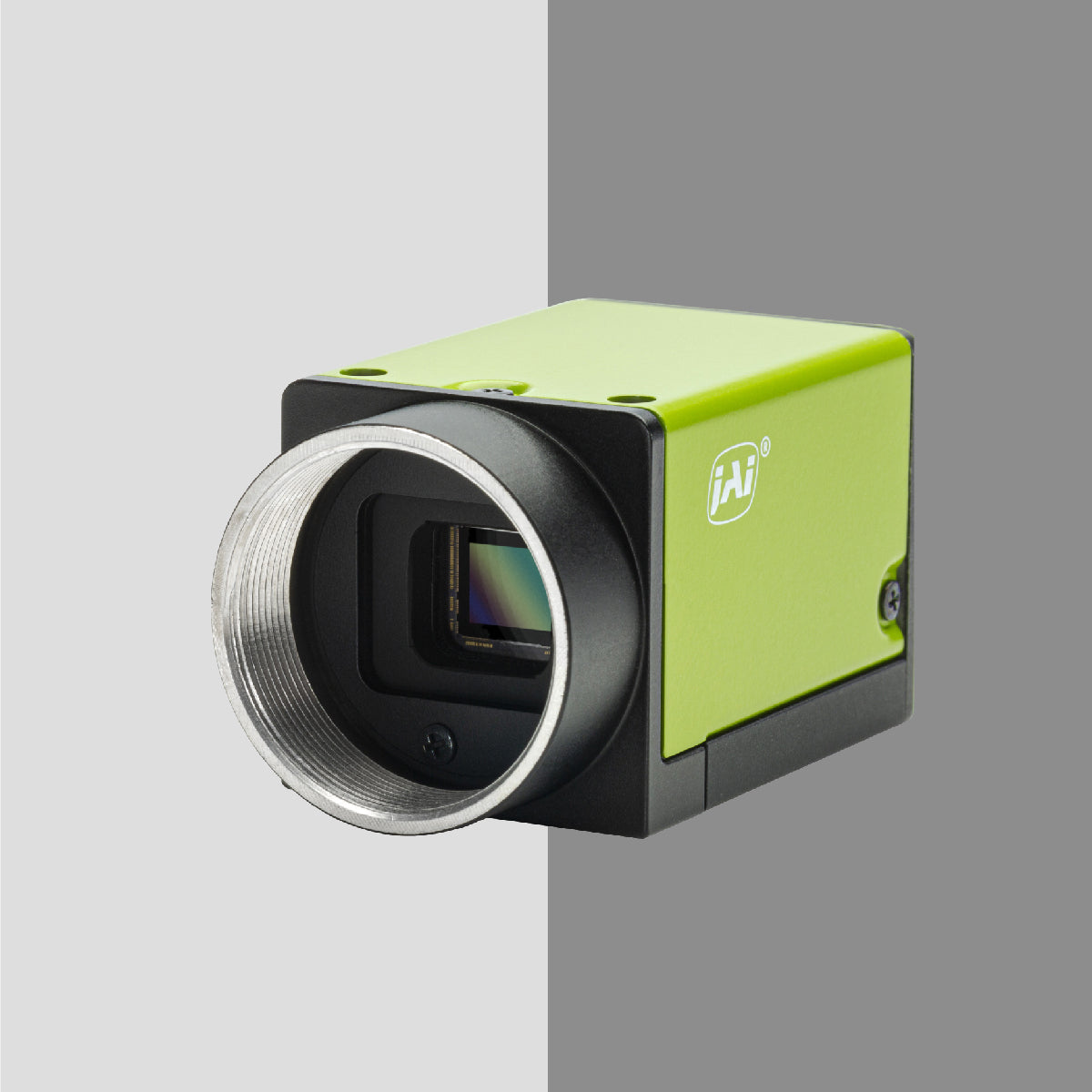
These cameras are typically part of a larger machine vision system that includes precision lenses, controlled lighting, optical filters, and mounting hardware.
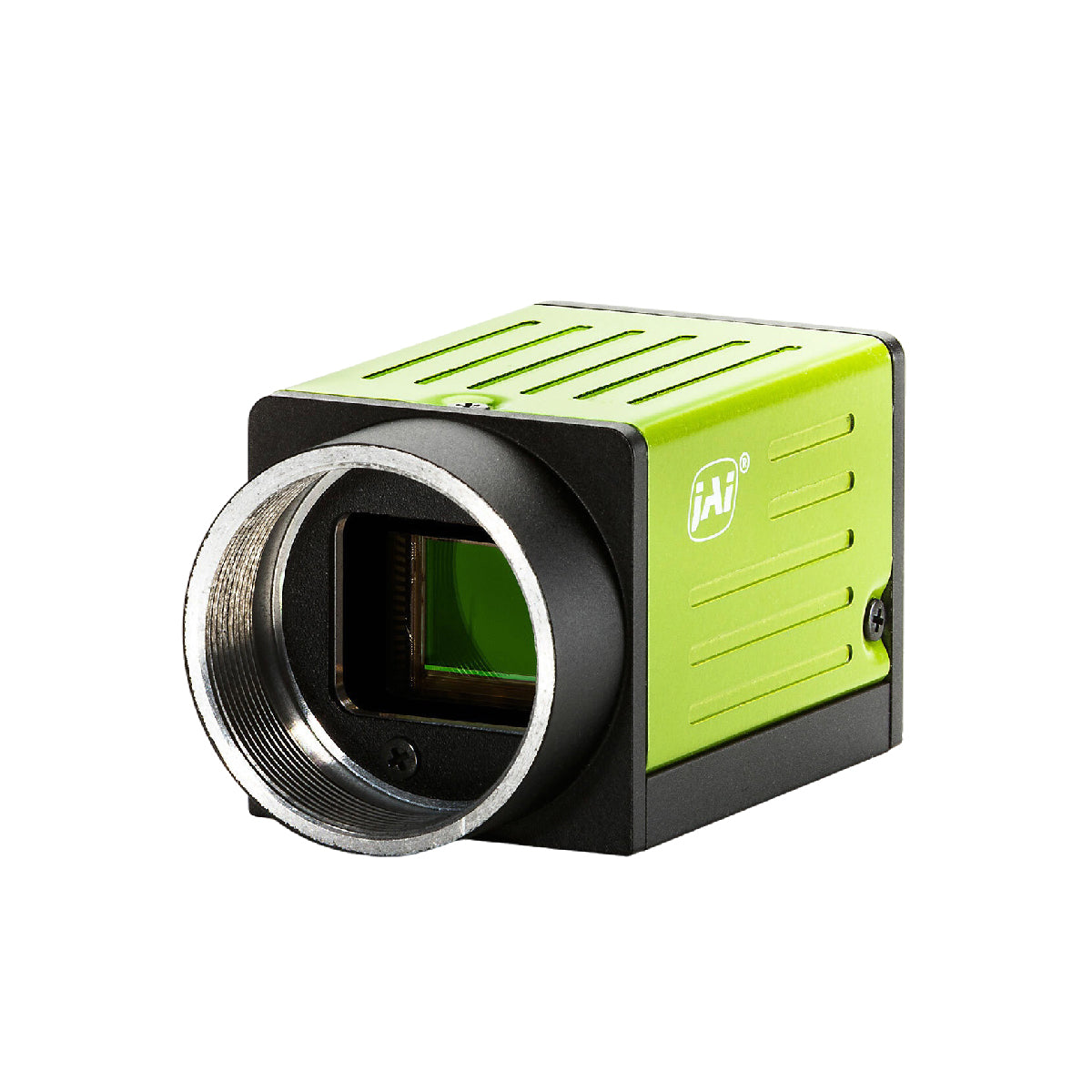
Types of Industrial Cameras
Understanding camera categories helps narrow down selection.
1. Area Scan Cameras
Area scan cameras capture a full 2D image in a single frame.
Best for:
- General inspection
- Surface defect detection
- Assembly verification
- PCB inspection
Advantages:
- Simple setup
- Compatible with most lenses
- Flexible lighting configurations
Most machine vision systems use area scan cameras.
2. Line Scan Cameras
Line scan cameras capture one line of pixels at a time while the object moves.
Best for:
- Continuous web inspection
- High-speed conveyor systems
- Printing inspection
- Large surface materials
Advantages:
- Extremely high resolution
- Ideal for wide objects
- Consistent imaging for moving materials
However, line scan systems require precise synchronization and lighting control.
3. 3D Vision Cameras
3D cameras capture depth information using:
- Laser triangulation
- Structured light
- Stereo imaging
Best for:
- Height measurement
- Volume inspection
- Robotic guidance
3D systems are more complex but necessary for dimensional inspection.
4. Smart Cameras
Smart cameras combine:
- Imaging sensor
- Processing unit
- Software
All inside one device.
Best for:
- Simple inspections
- Space-limited installations
- Standalone automation cells
They reduce system complexity but may limit customization compared to PC-based vision systems.
Key Criteria for Selecting an Industrial Inspection Camera
Now let’s move into practical selection steps.
1. Resolution: How Much Detail Do You Need?
Resolution determines the smallest defect you can detect.
To calculate required resolution:
Minimum Feature Size ÷ Required Pixels per Feature = Pixel Size
Example:
If detecting a 0.2 mm defect and needing 5 pixels per defect:
0.2 ÷ 5 = 0.04 mm per pixel
This determines minimum sensor resolution and lens magnification.
Higher resolution is not always better:
- Increases processing load
- Reduces frame rate
- Requires better lighting
Match resolution to actual inspection needs.
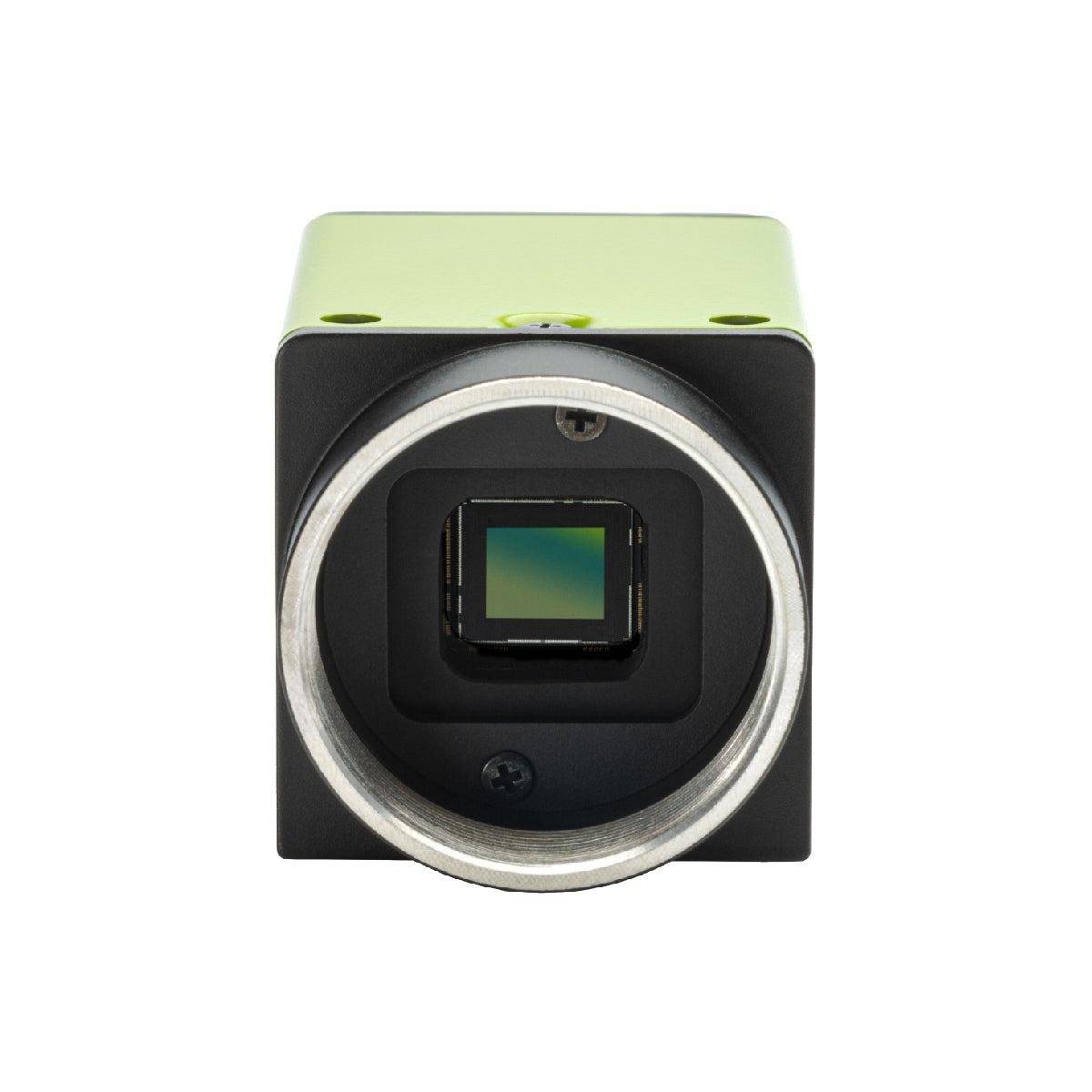
2. Sensor Size & Pixel Size
Sensor size affects:
- Field of view
- Lens compatibility
- Light sensitivity
Larger pixels:
- Capture more light
- Perform better in low-light conditions
- Produce lower noise
Smaller pixels:
- Provide higher spatial resolution
- Require stronger lighting
Sensor size must match your precision lens image circle.
3. Frame Rate & Exposure Time
High-speed production lines require higher frame rates.
Consider:
- Conveyor speed
- Object spacing
- Trigger timing
Shorter exposure times reduce motion blur but require stronger illumination.
Lighting and camera selection must work together.
4. Shutter Type: Global vs Rolling
Global Shutter:
- Captures entire frame at once
- Ideal for moving objects
Rolling Shutter:
- Reads sensor line by line
- Can cause distortion on fast-moving parts
For most inspection systems, global shutter is preferred.
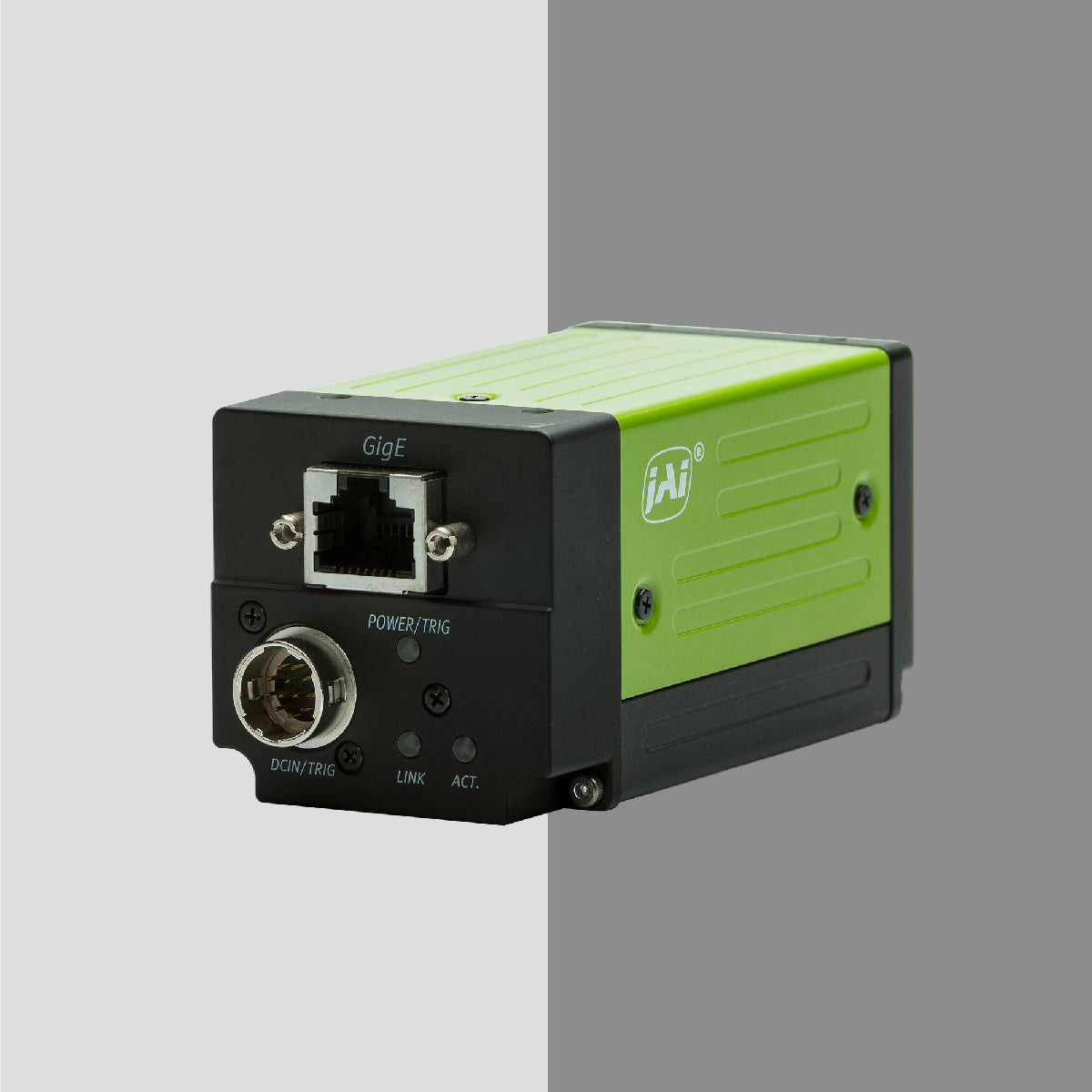
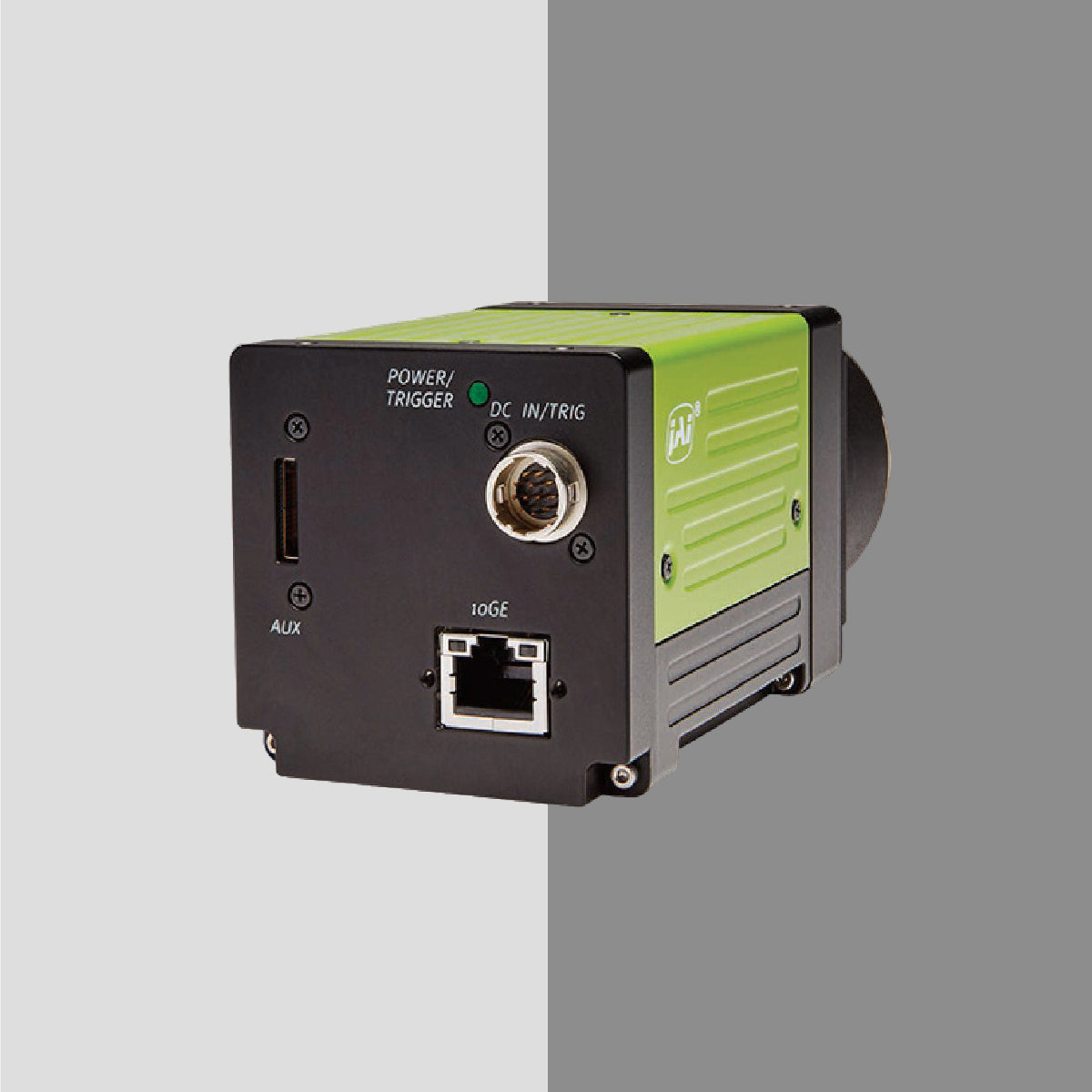
5. Interface Selection
Common industrial camera interfaces include:
USB3 Vision
- Cost-effective
- Easy setup
- Short cable length
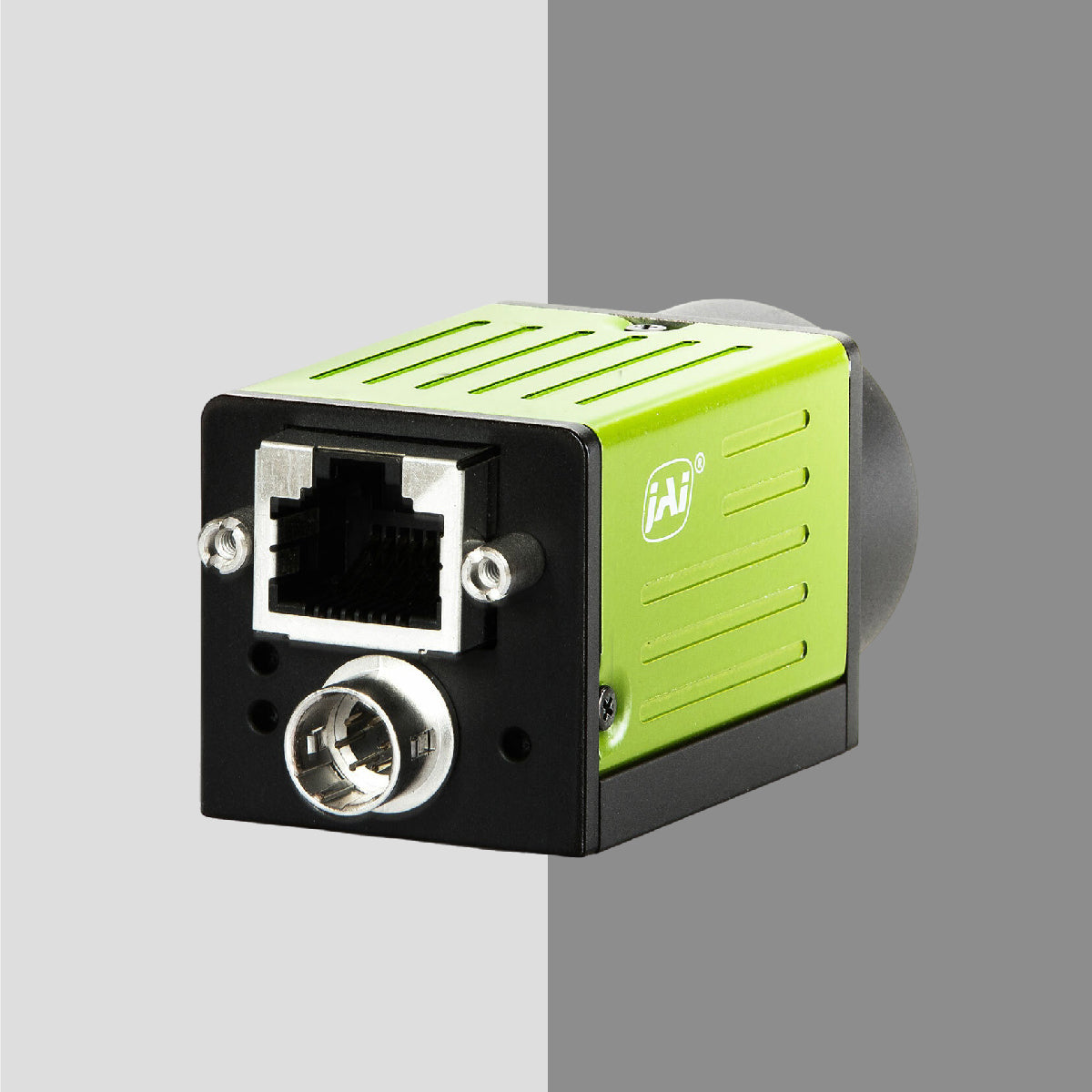
GigE Vision
- Longer cable runs
- Network flexibility
CoaXPress
- Very high bandwidth
- Ideal for ultra-high resolution
Camera Link
-
Legacy high-speed interface
Interface affects system architecture and installation flexibility.
Matching Camera With the Right Lens
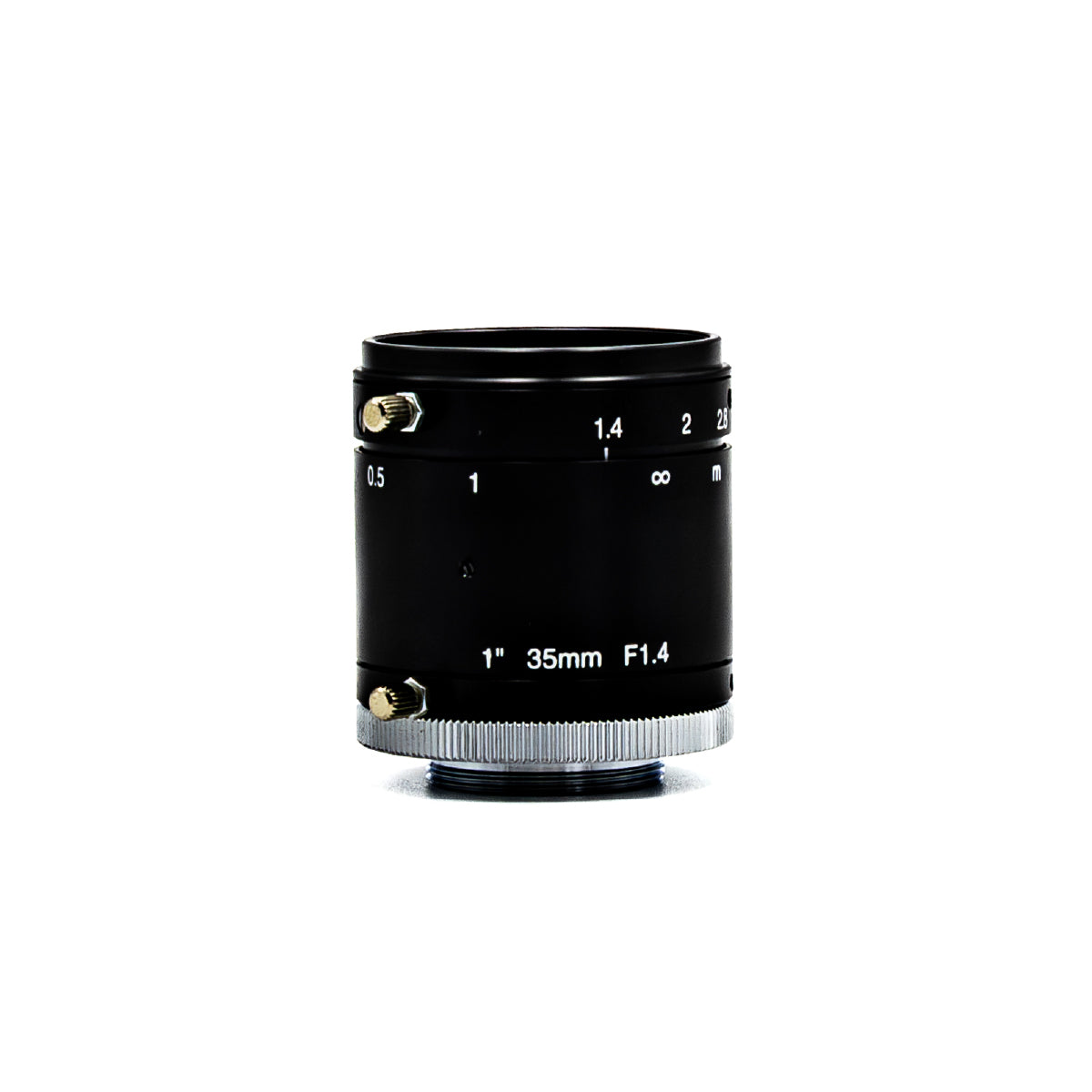
Camera and lens must be selected together.
Important considerations:
- Sensor format compatibility
- Focal length
- Working distance
- Field of view
- Distortion tolerance
A high-resolution camera paired with a low-quality lens reduces system performance.
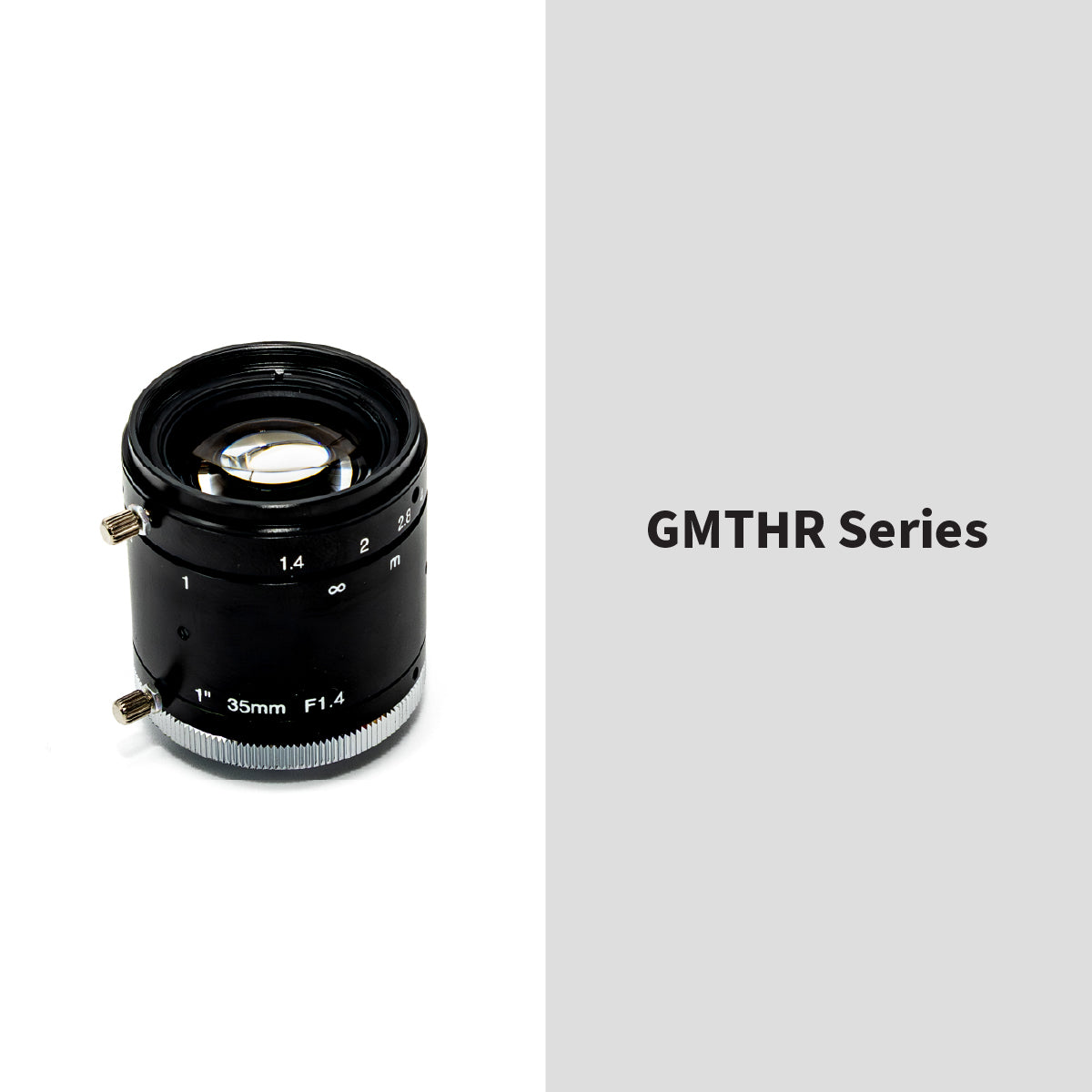
Precision optical lenses are essential to maintain sharpness and minimize distortion.
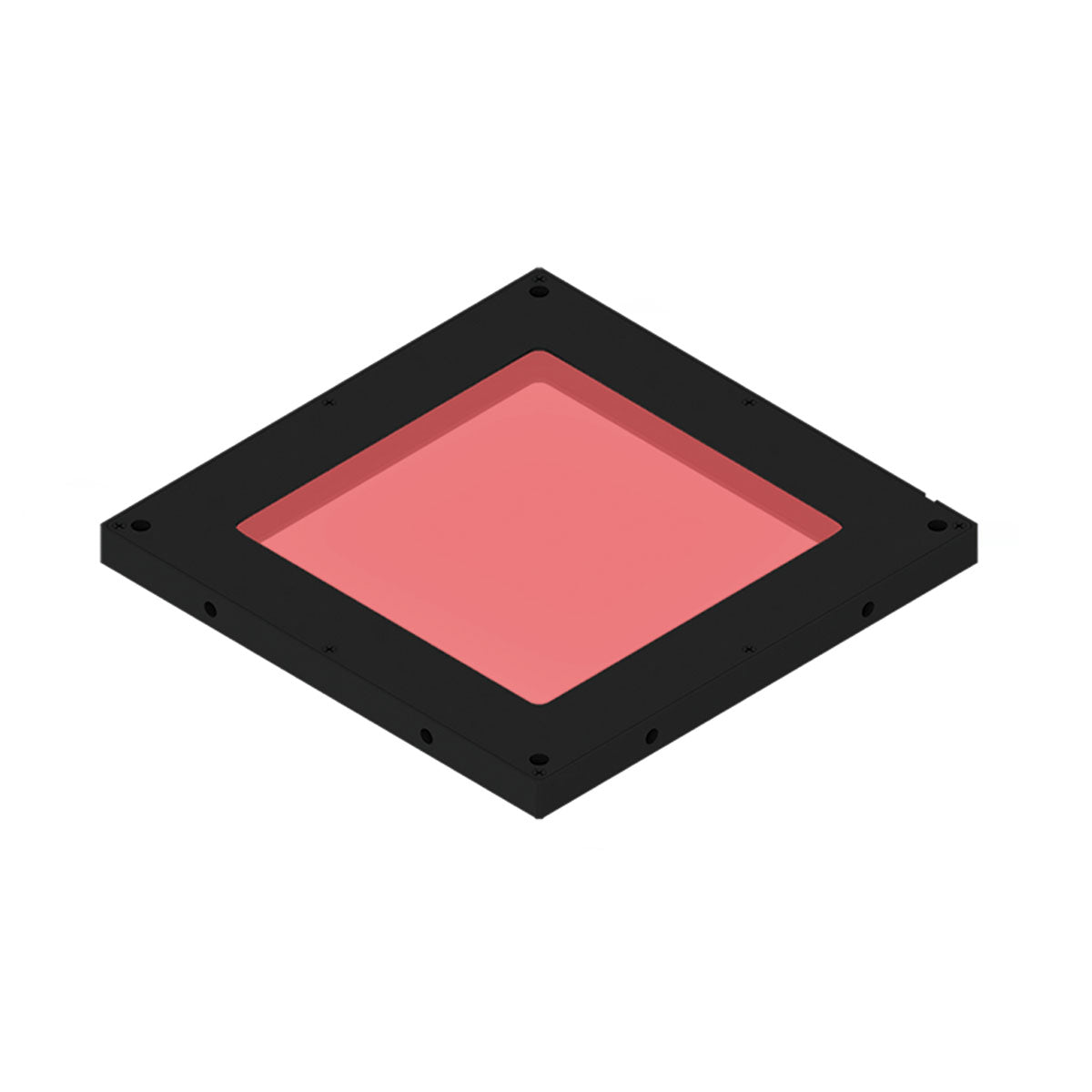
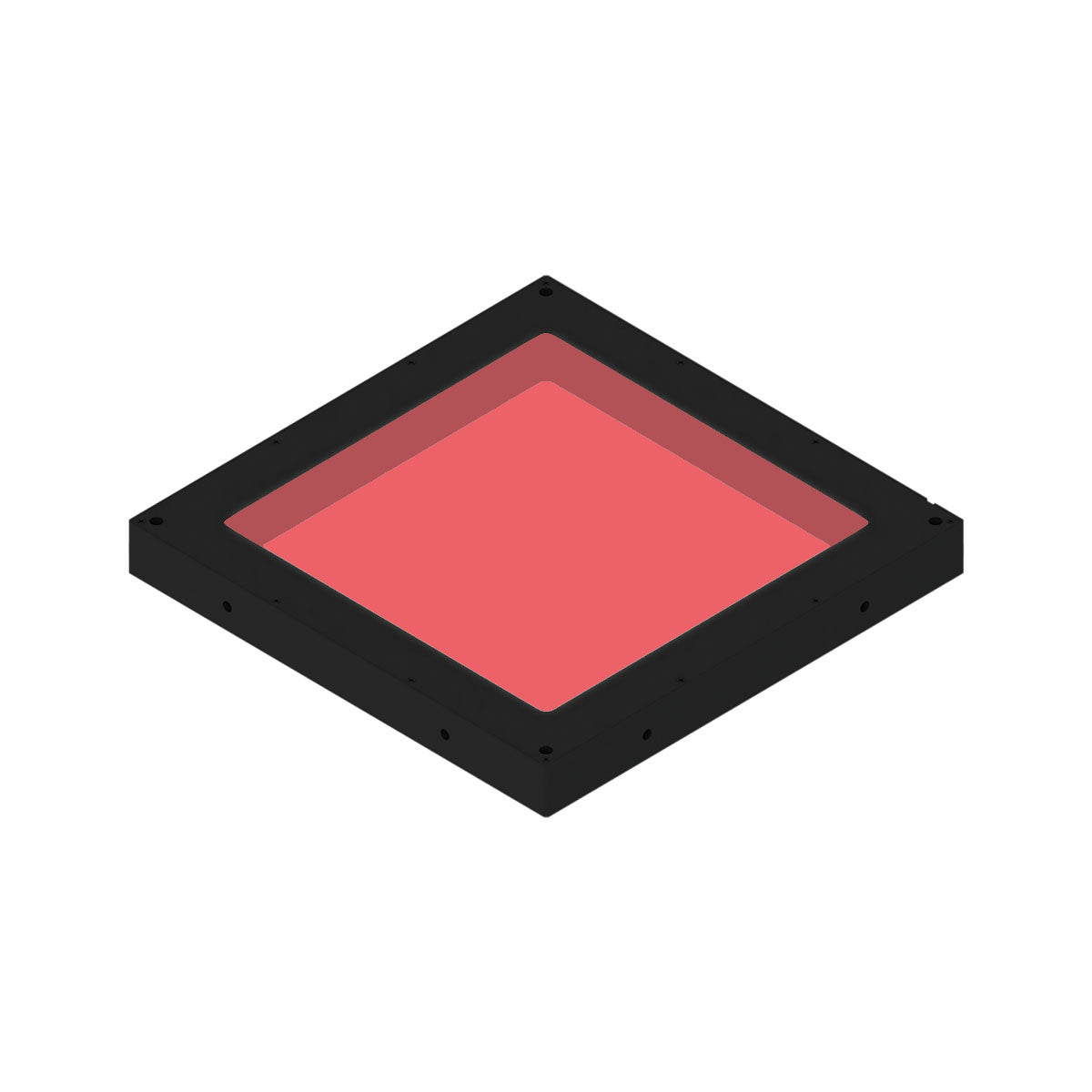
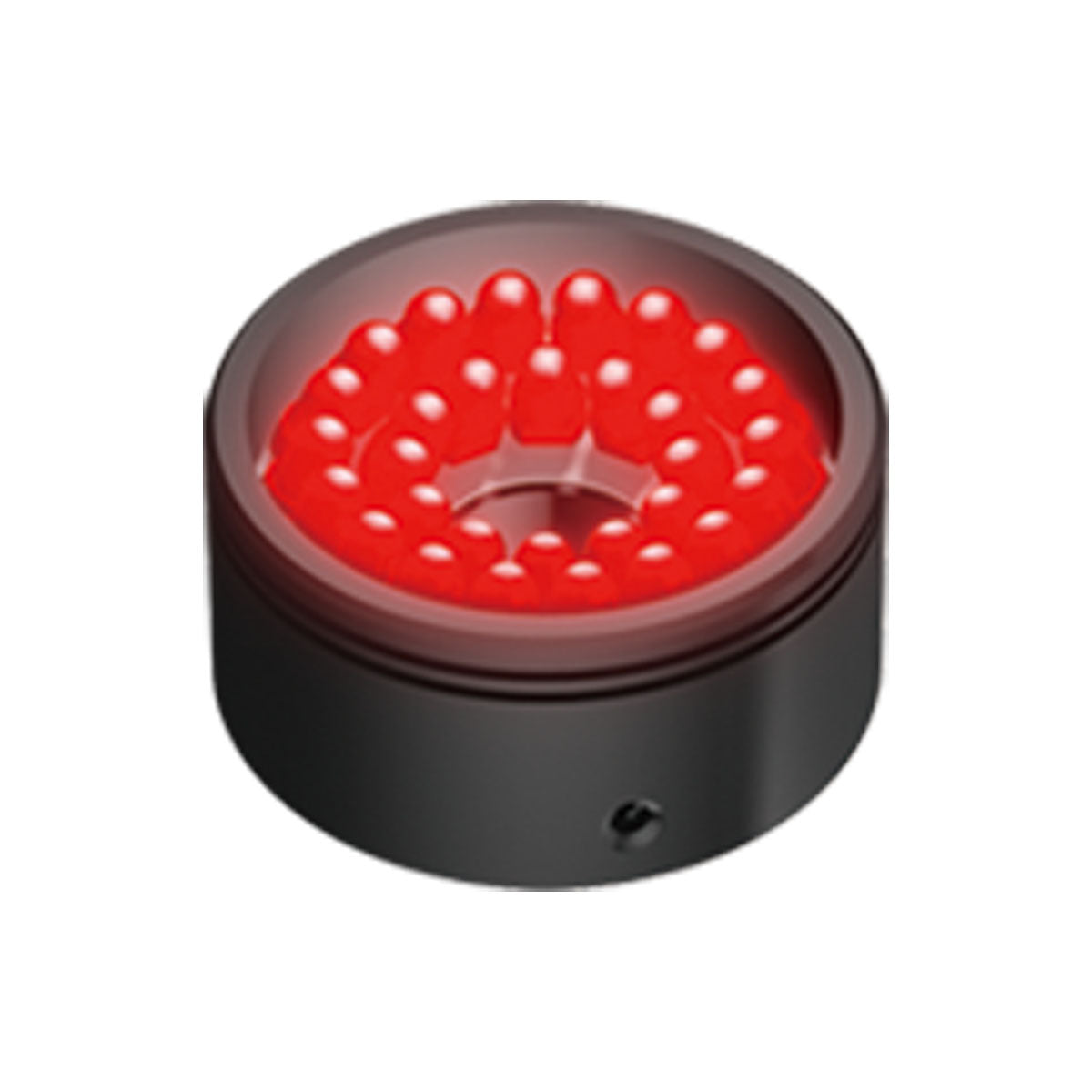
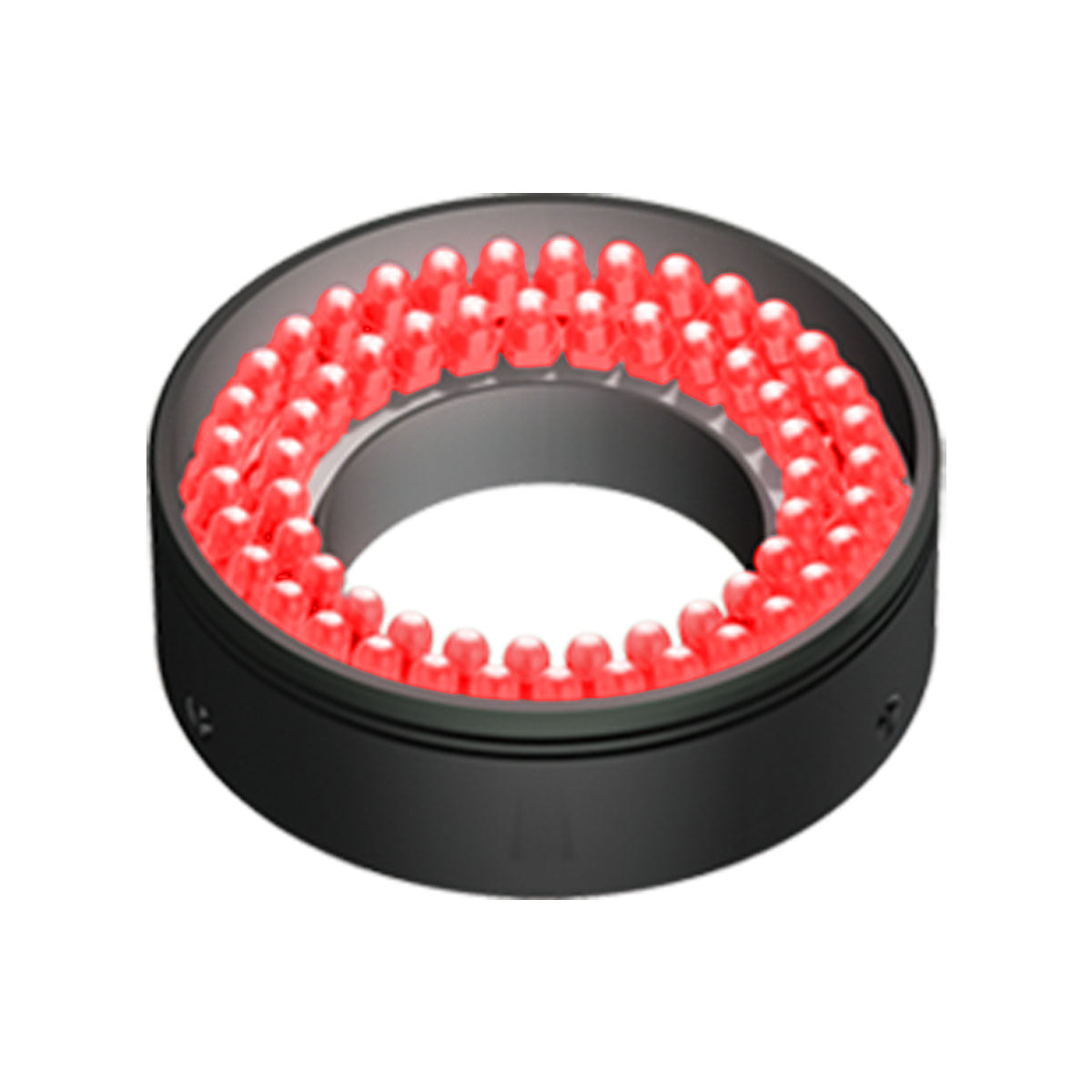
Why Lighting Directly Impacts Camera Performance
Many engineers focus on camera specifications but underestimate lighting.
Lighting determines:
- Contrast
- Glare control
- Defect visibility
- Signal-to-noise ratio
Examples:
Detecting surface scratches → Use low-angle dark field lighting
Measuring outer dimensions → Use backlighting
Inspecting reflective metal → Use dome lighting
Proper industrial LED lighting dramatically improves camera performance.
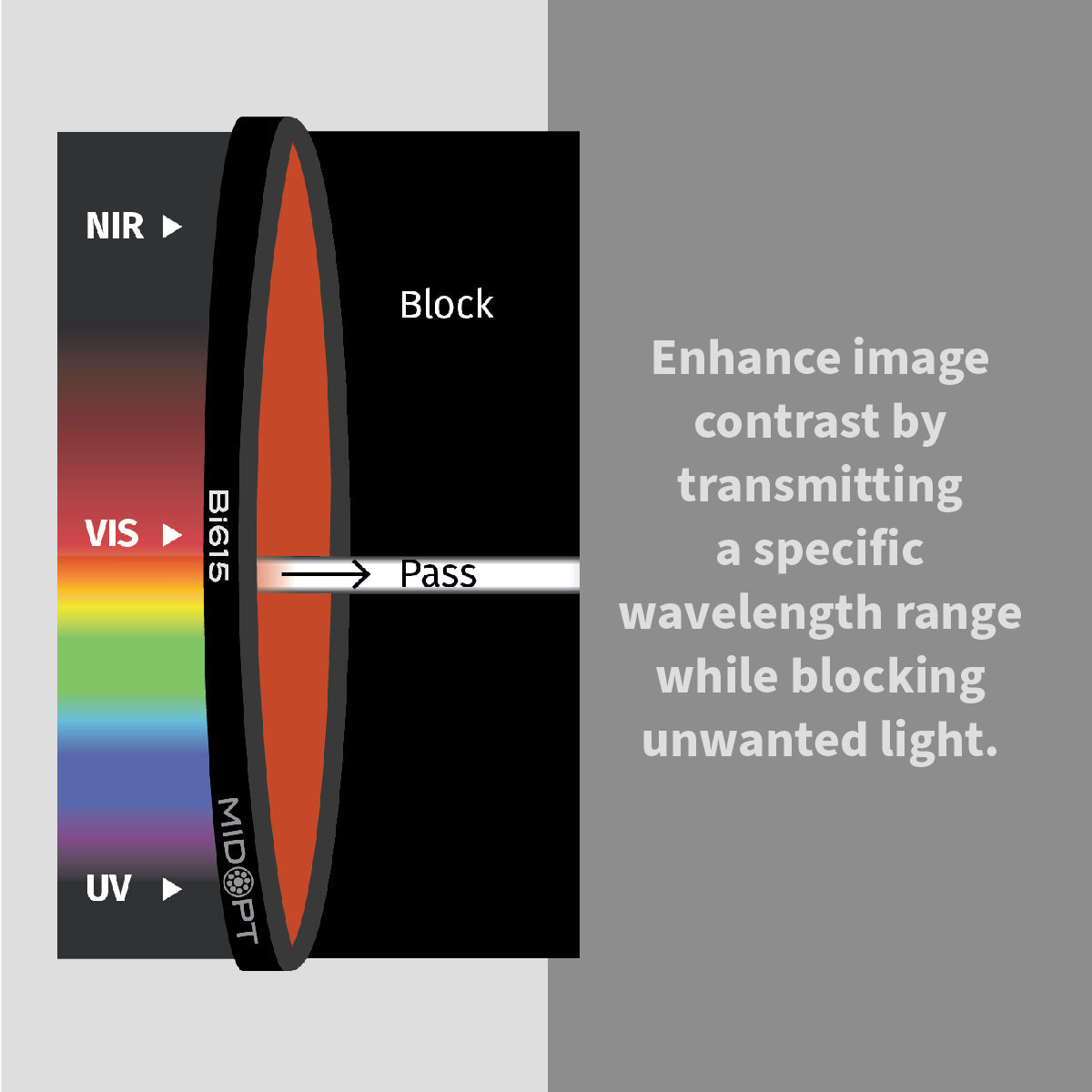
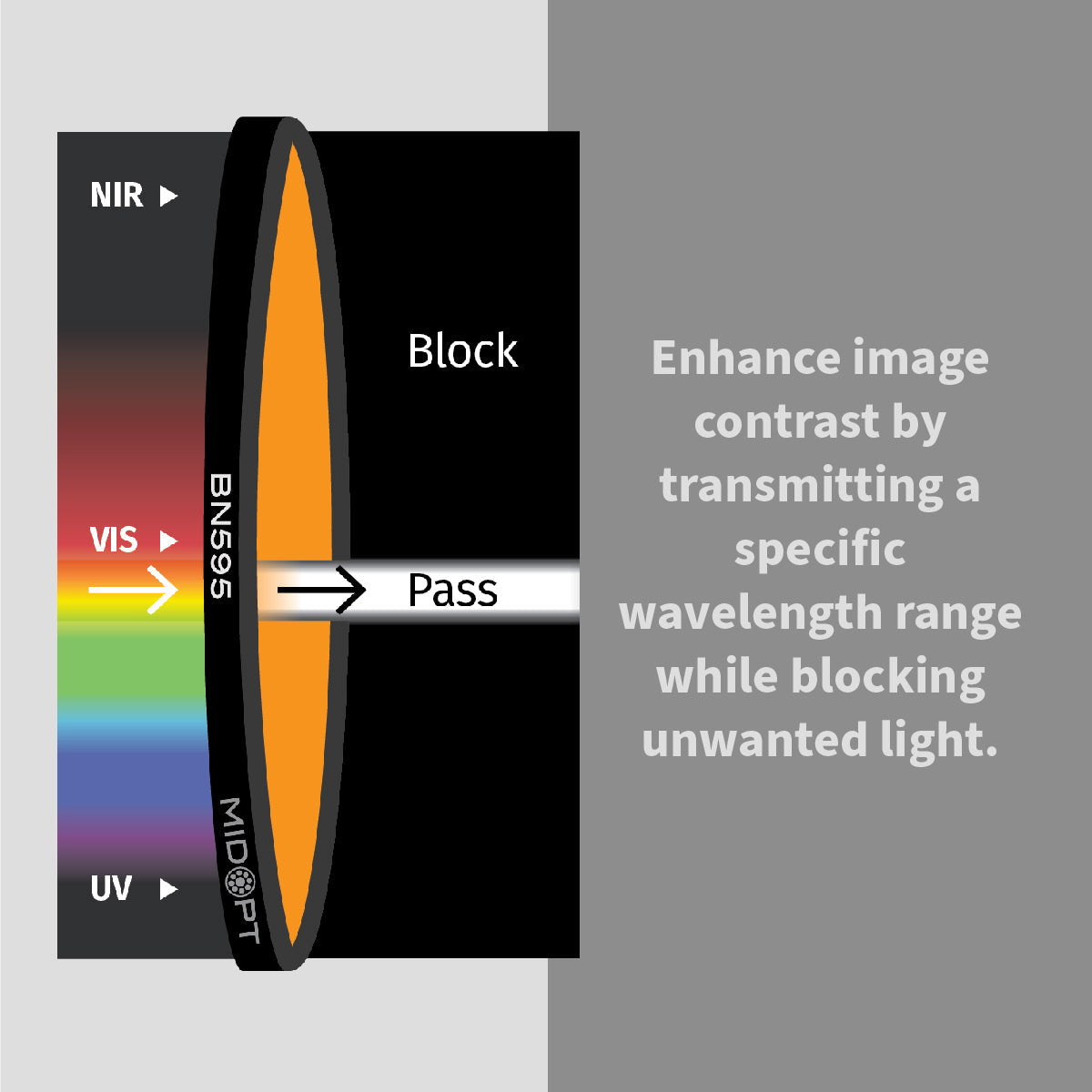
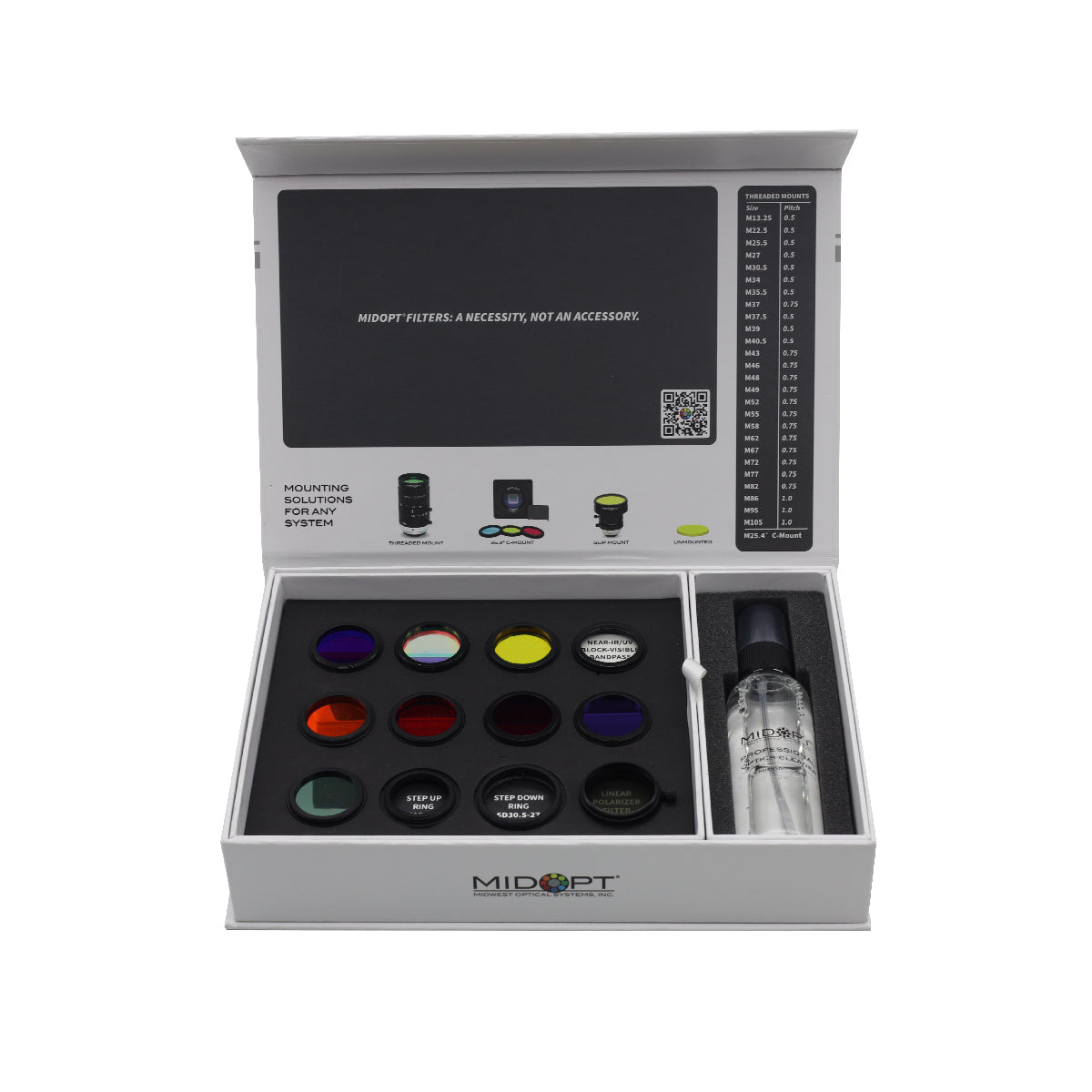
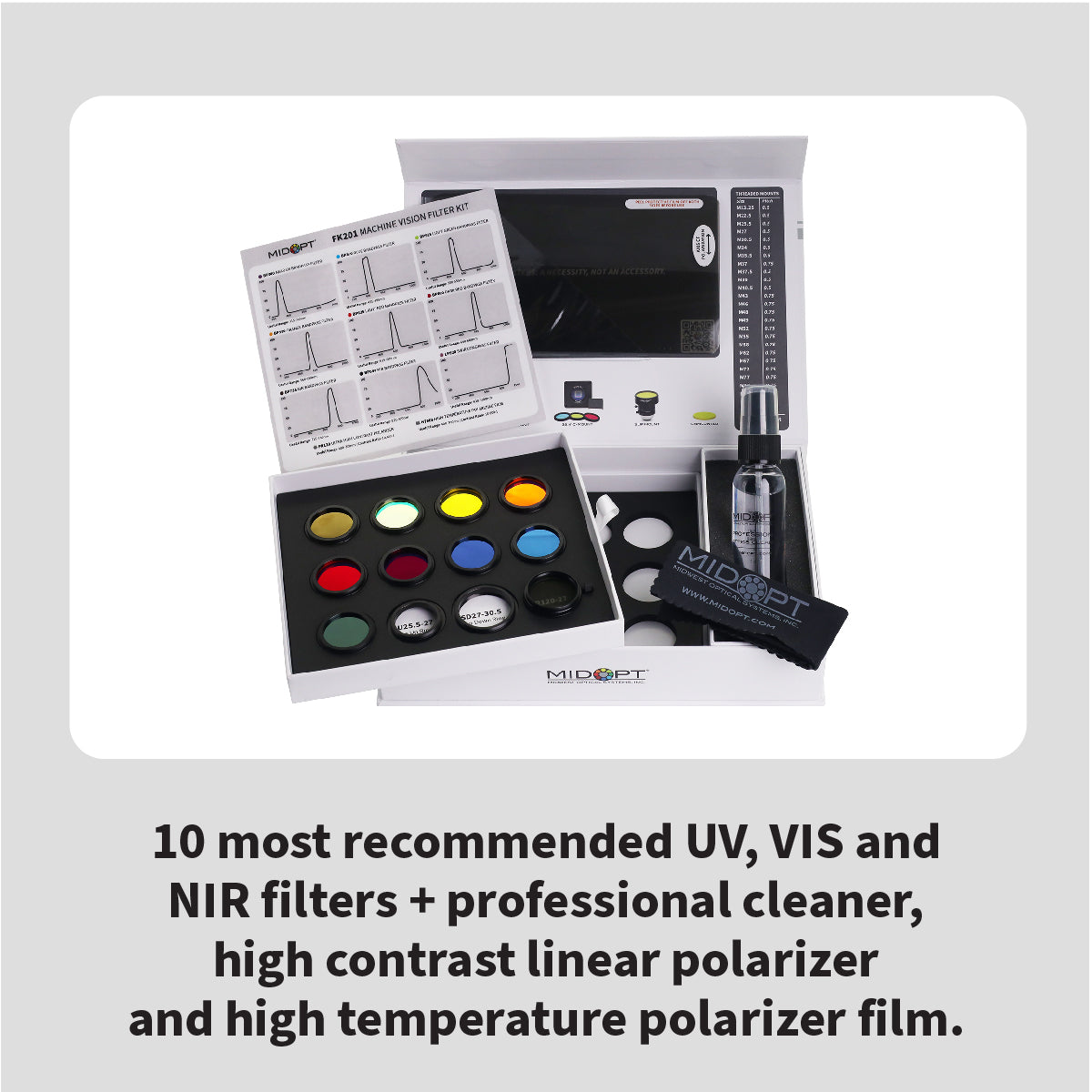
When to Use Optical Filters
Optical filters improve inspection reliability in challenging environments.
Use filters when:
- Ambient factory light interferes
- Reflective surfaces create glare
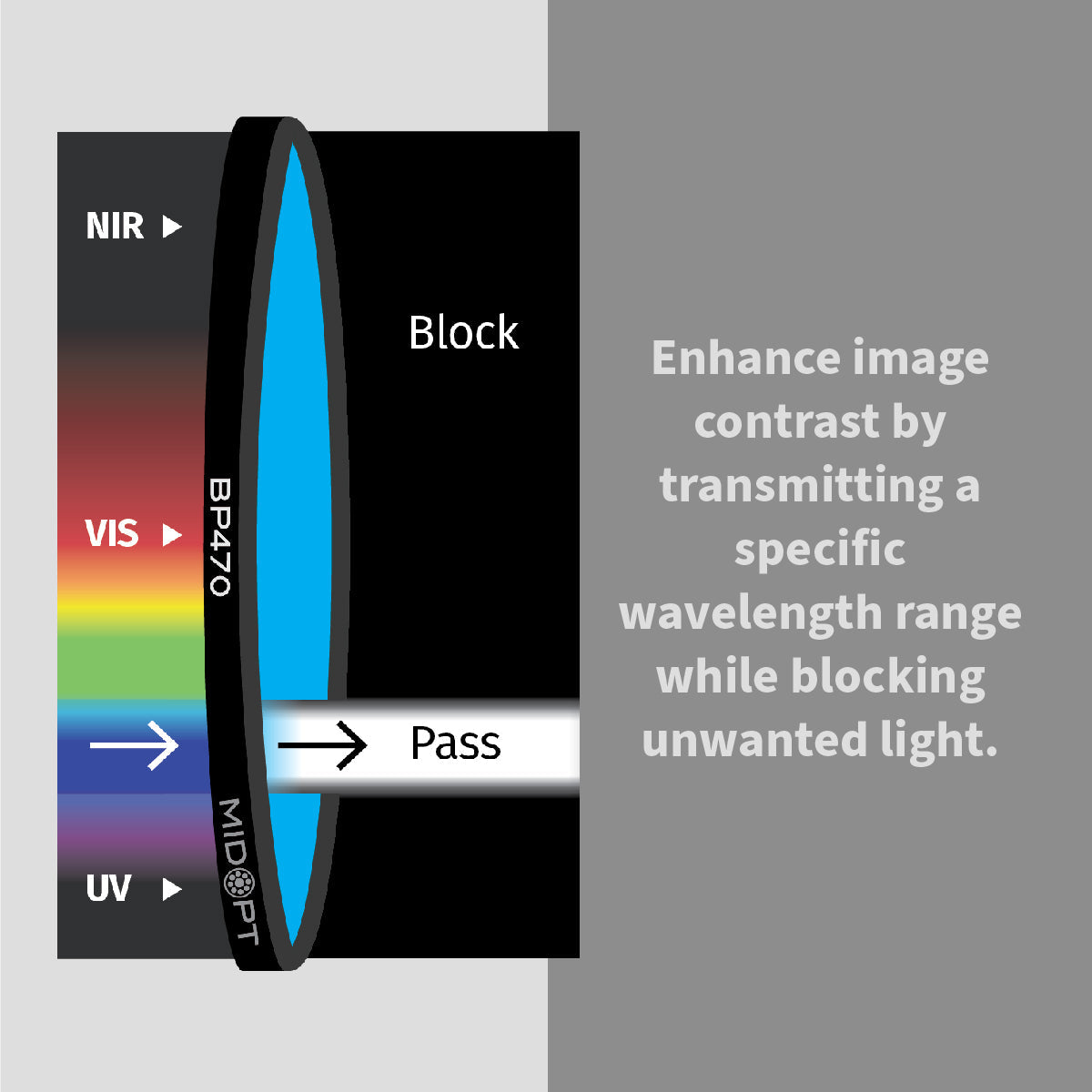
- Specific wavelengths enhance contrast
Examples:
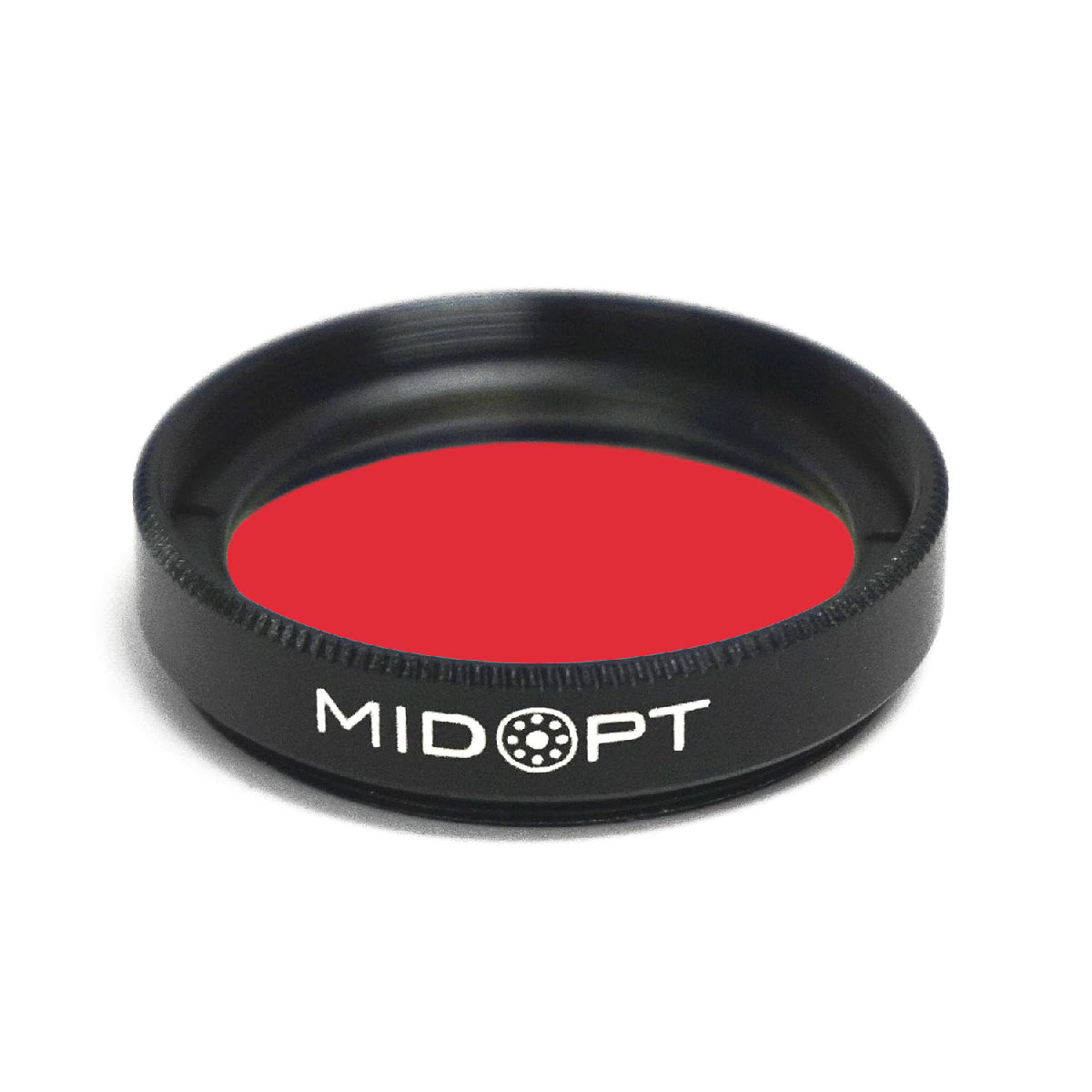
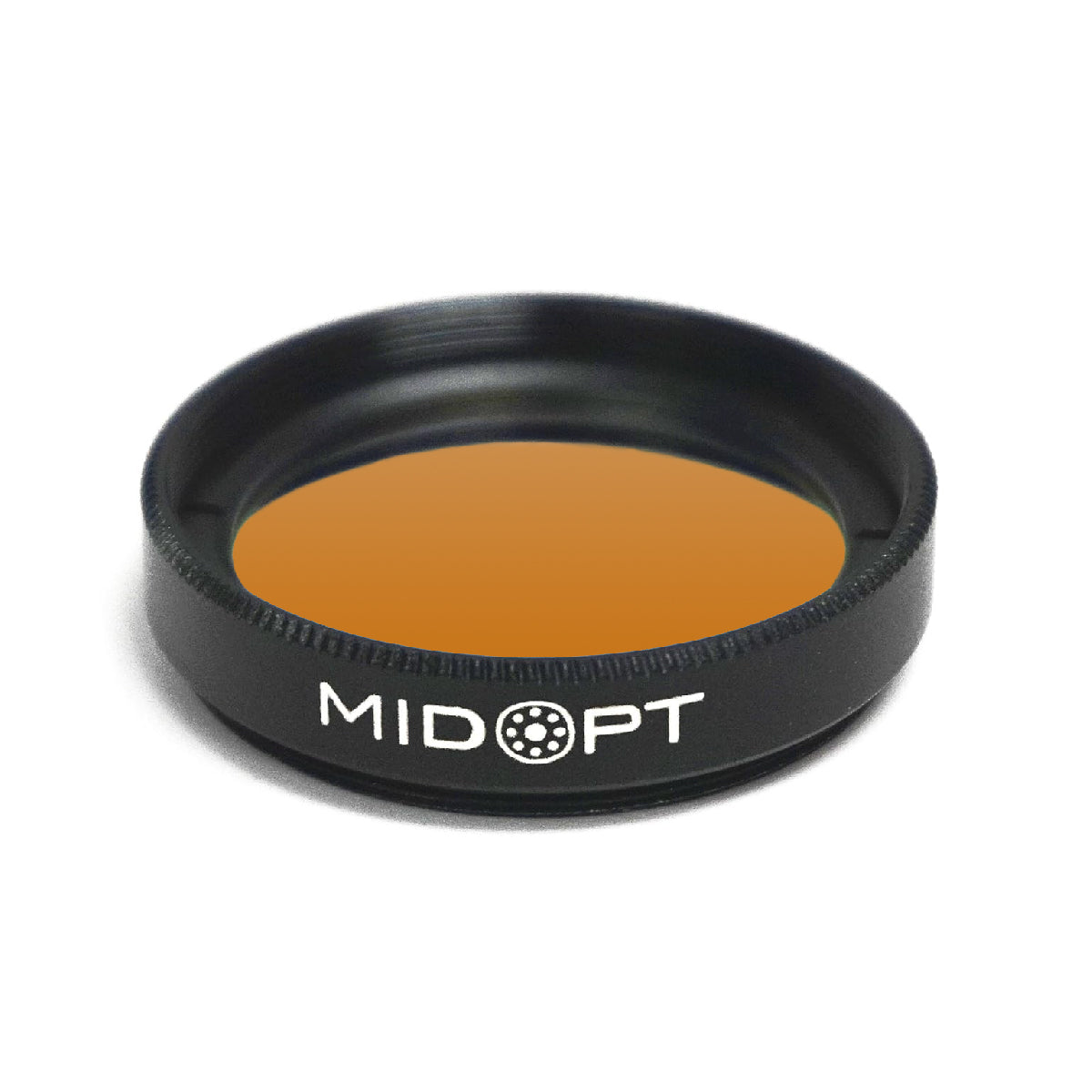
Red LED lighting + red bandpass filter
IR illumination + IR filter
Polarizer for glare reduction
Filters improve image clarity and measurement consistency.
Industrial Inspection Use Cases
Let’s apply selection principles to real applications.
Surface Defect Inspection
Requirements:
- High contrast
- Moderate resolution
- Controlled lighting
Recommended:
- Area scan camera
- Global shutter
- Dark field lighting
PCB Inspection
Requirements:
- High resolution
- Fine detail detection
- Stable lighting
Recommended:
- High megapixel area scan
- Precision lens
- Ring or coaxial lighting
Pharmaceutical Label Verification
Requirements:
- High frame rate
- Barcode readability
- Color accuracy
Recommended:
- Color industrial camera
- Uniform front lighting
Automotive Quality Control
Requirements:
- High durability
- Variable lighting
- Large field of view
Recommended:
- GigE camera
- Industrial enclosure
- Adjustable lighting system
Common Mistakes in Camera Selection
❌ Choosing maximum resolution without calculation
❌ Ignoring lens compatibility
❌ Underestimating lighting needs
❌ Using rolling shutter for moving objects
❌ Failing to consider processing bandwidth
Proper planning prevents costly redesigns.
Frequently Asked Questions
What resolution do I need for inspection?
Resolution depends on the smallest defect size you must detect. Calculate required pixels per feature before selecting a camera.
Are industrial cameras different from security cameras?
Yes. Industrial cameras are designed for precision measurement, synchronization, and automation — not surveillance.
What is the best interface for factory environments?
GigE Vision is commonly used for flexibility and long cable runs. CoaXPress is preferred for very high-speed applications.
Should I choose color or monochrome?
Monochrome cameras offer higher sensitivity and better contrast for most inspection tasks. Use color only when necessary.
Final Thoughts
Selecting the right industrial inspection camera requires more than comparing megapixels.
You must evaluate:
- Resolution requirements
- Sensor size
- Frame rate
- Shutter type
- Interface
- Lens compatibility
- Lighting strategy
- Filter integration
A properly selected camera becomes the foundation of a stable, accurate, and scalable machine vision system.
When integrated correctly with precision lenses, industrial lighting, optical filters, and mounting accessories, your inspection system will deliver long-term performance and measurable ROI.